Shopify
Shopify Optimization Playbook for Higher Conversion
If your Shopify store has traffic but the numbers feel flat, the issue is rarely the ads. It is usually the store itself — the product page hierarchy, how collections are organized, what happens on mobile, or the app weight quietly slowing things down. Here is what actually moves the needle.
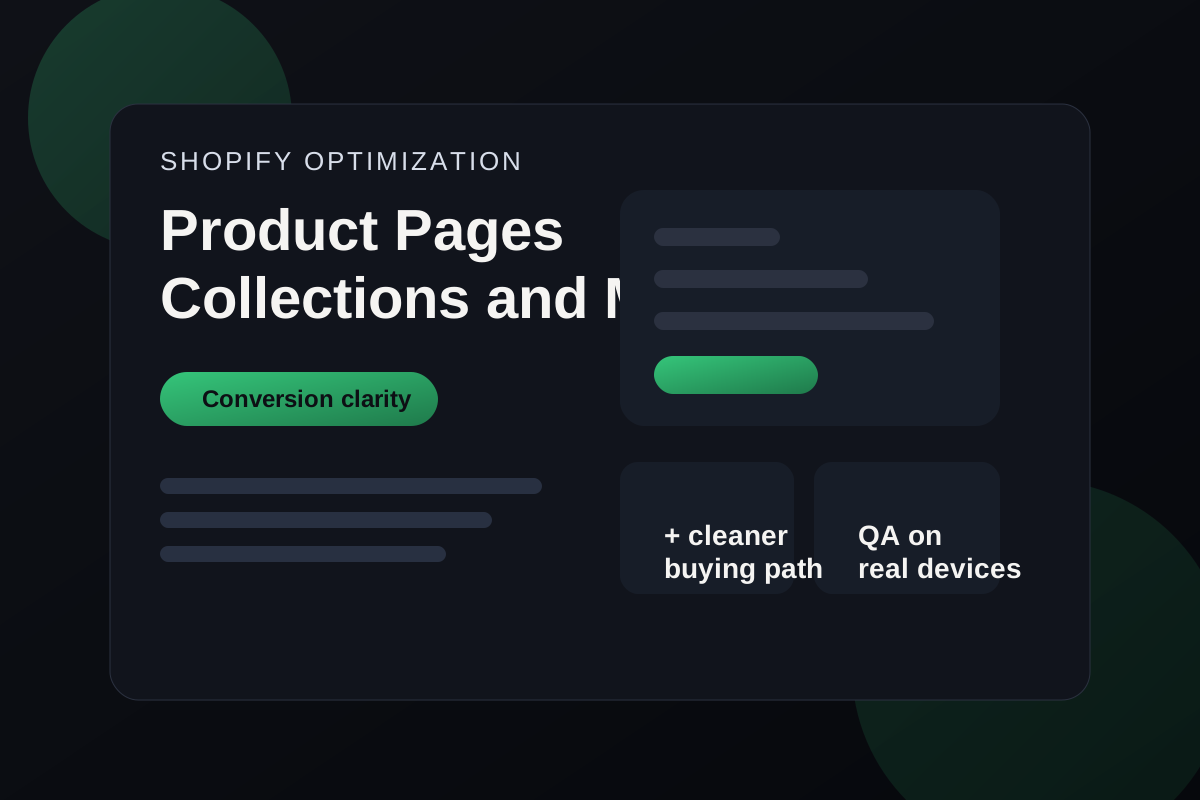
The short version
Key takeaways
- Clarify the product page before spending more on traffic.
- Treat collection pages as decision-making tools, not image dumps.
- Audit the full mobile buying flow on real devices.
- Remove app and script overhead that does not support revenue.
Most Shopify stores do not have a traffic problem first. They have a clarity problem. When product information is hard to scan, merchandising feels inconsistent, or mobile buying flow creates hesitation, conversion drops before checkout friction even becomes visible.
Tighten the product-page hierarchy
Lead with a clear product title, a concise value summary, visible pricing, shipping reassurance, and a strong primary action. If the first screen does not establish what the product is and why it is worth trusting, conversion usually weakens before price objections even begin.
Make collection pages easier to compare
Collection pages should reduce decision friction. Consistent card structure, quick filters, clear badges, and concise naming help shoppers compare products faster and move into the right product page with less hesitation.
Retest the mobile path from discovery to cart
Desktop reviews miss where most storefront friction actually happens. Check scroll behavior, sticky CTAs, variant selectors, review placement, shipping notes, cart editing, and any drawer interactions on mobile before making assumptions about conversion bottlenecks.
Cut app weight that does not earn its place
Many stores accumulate apps and scripts that duplicate functionality or hurt stability. Keep the tooling that directly improves operations or conversion, and remove what only adds visual noise, network weight, or layout instability.
Walk one real shopping journey before changing the theme
Before editing templates, follow one real purchase path from homepage to collection, product page, cart, and checkout. Note where trust weakens, where information becomes harder to scan, and where mobile interactions slow the decision down.
Tie Shopify improvements to merchandising and validation
A good optimization pass should improve both conversion clarity and day-to-day store management. That means checking whether collection cards stay consistent, whether product templates are reusable across the catalog, and whether app changes quietly broke the buying flow on mobile.
Need a second pair of eyes?
Turn the advice into an action plan for your website.
I can review the pages that matter most, identify the gaps affecting search and conversion, and help implement the fixes.
Common questions
Frequently asked questions
Product-page clarity is usually the fastest win because it affects trust, comprehension, and purchase intent immediately.

Written by
Hasnain Saeed
Freelance Shopify, WordPress & Webflow Developer
Hasnain Saeed is a freelance web developer helping international clients build, improve, and maintain Shopify, WordPress, and Webflow websites with a focus on content clarity, technical quality, and dependable execution.
More about Hasnain