MAPX Development WordPress Site for Architecture Brand
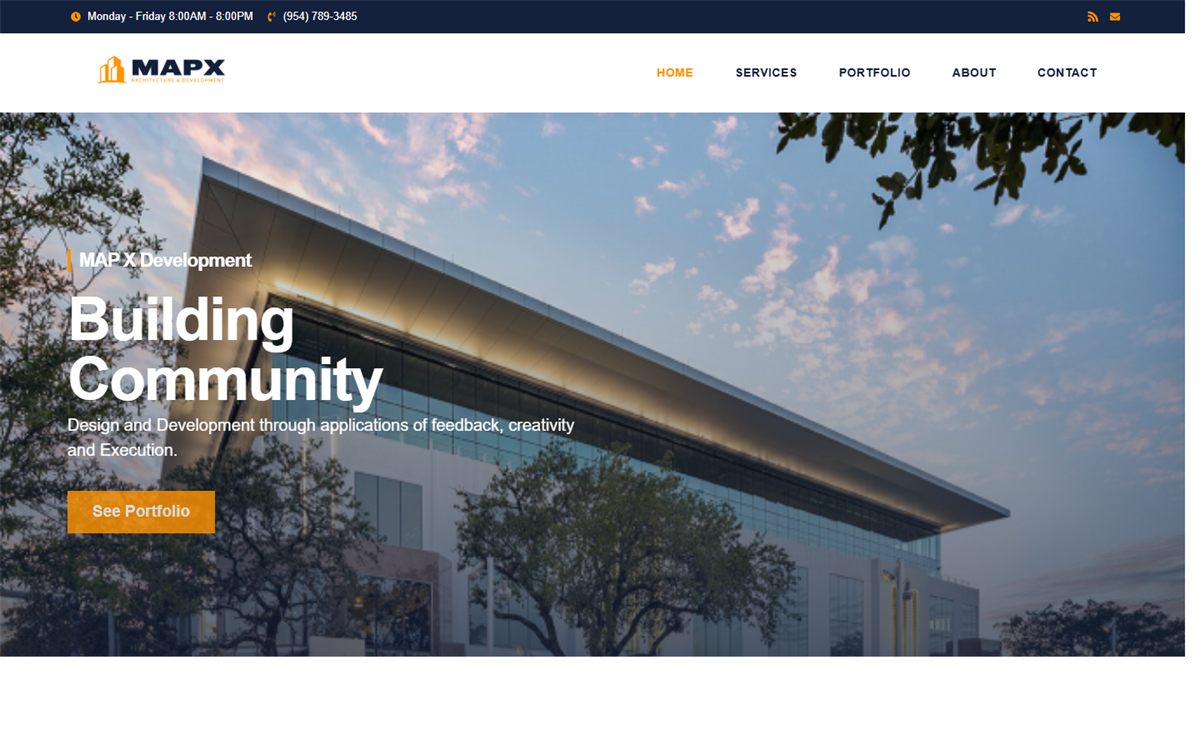
Launched a polished WordPress and Elementor website that clarifies 9 sector pathways, the MAPX brand story, and the inquiry path for architecture prospects.
View Case Study →Performance and Stability | 3-14 days
I help teams clean up slow, unstable, or inconsistent websites by finding the technical bottlenecks, fixing the highest-impact issues, and improving the parts users feel most.

Ideal Fit
Sites with slow speed, broken interactions, or visual inconsistencies
Starting Investment
Quote based
Typical Timeline
3-14 days
Deliverables
Audit report, Fix implementation, Before/after benchmark summary
Optimization and bug-fixing work is usually scoped after reviewing the live site, because the right price depends on the number of issues, the platform, and whether the work is a focused sprint or a wider cleanup pass.
Website optimization and bug fixing is about finding the issues users actually feel, then solving them in the order that matters most. That can include slow pages, unstable layouts, broken mobile interactions, script conflicts, UI regressions, or frontend issues that have built up after repeated quick fixes. The goal is not to chase vanity metrics alone, but to improve how the site behaves where trust, usability, and conversion are being damaged.
This service is designed for teams with a live website that technically works, but still feels rough in the places that matter. That might be a marketing site with recurring layout issues, a store suffering from app and theme conflicts, or a service website where mobile behavior and page speed are undermining lead quality. It is especially useful when a full rebuild would be excessive, but leaving the current problems in place is costing time and confidence.
The work typically starts with an audit of the live experience, the reported issues, and the highest-priority user journeys. After that, I group the problems by impact across performance, layout, interactions, and technical conflicts, then implement fixes in a sequence that actually stabilizes the site. Validation matters here because bug-fixing without retesting is how regressions survive into production, especially on responsive pages and script-heavy templates.
The best outcome is not just a cleaner Lighthouse score or a shorter bug list. It is a site that feels more stable, easier to navigate, and less likely to break on the pages that drive leads or sales. Clients usually expect clearer diagnostics, stronger before-and-after visibility, and fixes applied where users were already feeling friction. If needed, the work can continue as a recurring optimization sprint rather than a one-time patch.
Step 1
Audit the live site and identify the highest-impact issues
Step 2
Prioritize fixes across speed, layout, and scripts
Step 3
Implement and validate the changes against the reported problems
Optional add-ons: Monitoring setup, Monthly optimization sprint
Related Proof

Launched a polished WordPress and Elementor website that clarifies 9 sector pathways, the MAPX brand story, and the inquiry path for architecture prospects.
View Case Study →

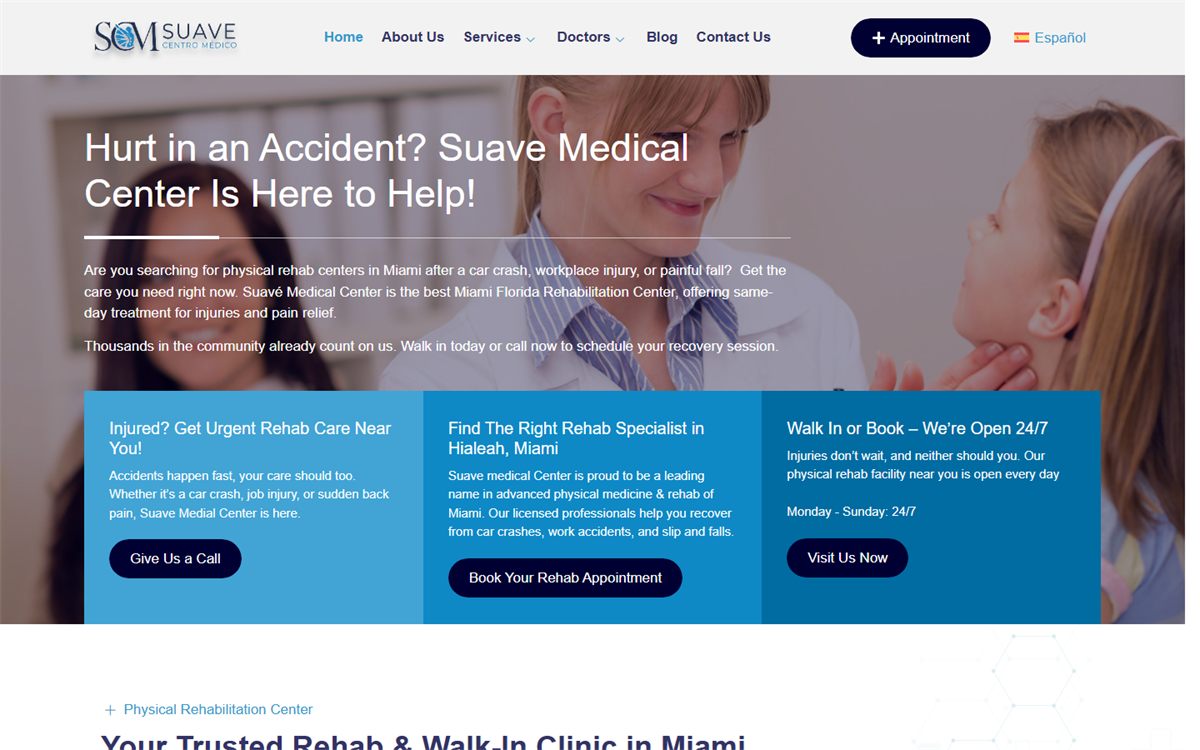
Structured the homepage around urgent rehab messaging, service discovery, doctor profiles, and appointment booking for the live clinic site.
View Case Study →Built a Webflow subscription-design site that combines product storytelling, transparent pricing, platform education, and a work gallery for high-intent business leads.
View Case Study →Support Content
A broken contact form. A plugin update that quietly shifted the layout. A slow service page that was not slow last month. Website issues rarely announce themselves — they accumulate. This covers how to prioritize what actually needs attention before it starts costing you leads.
February 27, 2026
Read Guide →WordPress speed problems almost always trace back to the same few things: too many plugins doing the same job, a heavy theme loading assets everywhere, and media that was never sized right for the web. The good news is most of them are fixable without rebuilding the site.
December 20, 2025
Read Guide →Most websites launch without anyone checking whether Google can actually crawl them cleanly. Canonical conflicts, missing metadata, incorrect robots rules, and thin internal linking are the kind of technical mistakes that do not show up visually — but they do show up later in Search Console.
February 14, 2026
Read Guide →Yes. I can work from a client-provided bug list, but I also usually identify related issues during the review that are worth fixing in the same pass.
Custom WordPress Development
Custom WordPress websites built for speed, content flexibility, and long-term scalability.
Shopify Store Development
Shopify storefront builds and customizations focused on conversion and clean UX.
Webflow Developer for Hire
Premium Webflow implementations for startups and personal brands.