MAPX Development WordPress Site for Architecture Brand
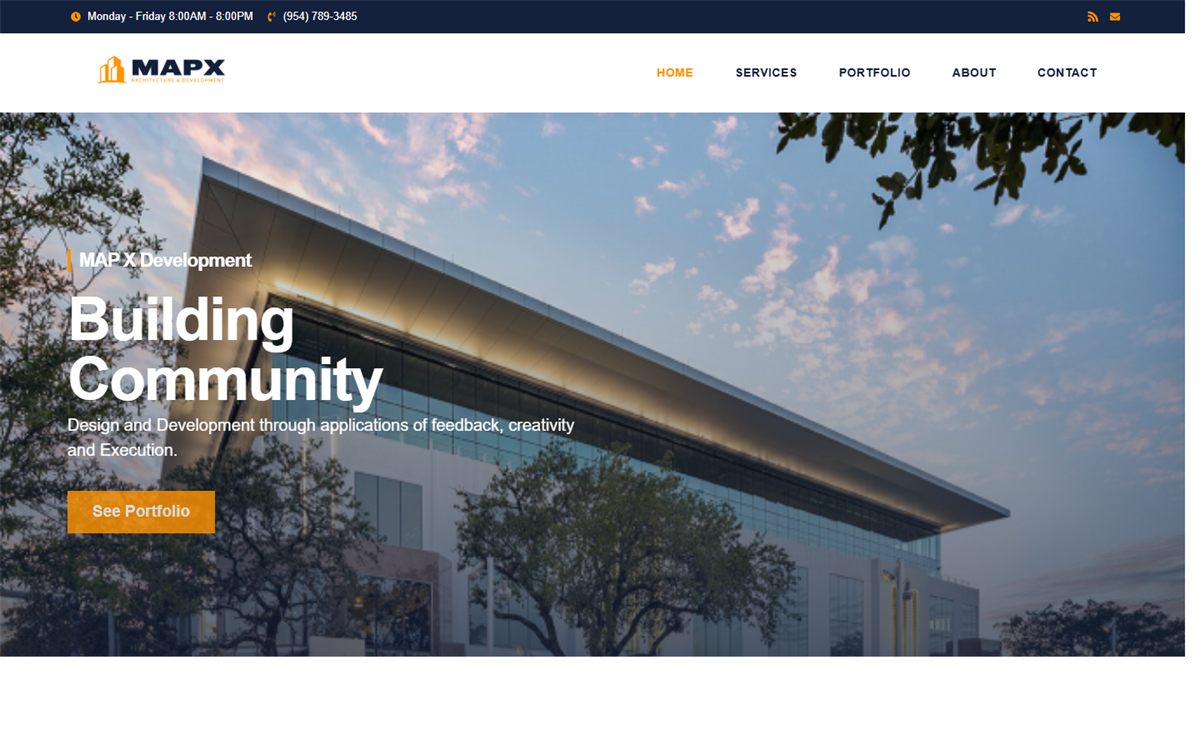
Launched a polished WordPress and Elementor website that clarifies 9 sector pathways, the MAPX brand story, and the inquiry path for architecture prospects.
View Case Study →Flexible CMS Builds | 1-4 weeks
I build WordPress sites that are easier to manage after launch, not just cleaner to look at. That usually means a tighter page structure, better editing flow, and fewer plugin conflicts that show up as layout bugs a month later.

Ideal Fit
Service businesses, agencies, and corporate websites
Starting Investment
$699+
Typical Timeline
1-4 weeks
Deliverables
Responsive pages, Admin-ready backend, Technical QA pass
Most WordPress brochure sites and structured service websites start from $699+, with larger page counts, migrations, or custom functionality scoped separately.
WordPress development here is not limited to installing a theme and handing over login details. The work usually includes planning the page structure, tightening the frontend implementation, shaping an editing flow that makes sense for the client, and reducing the plugin or theme friction that tends to create problems later. That makes the site easier to publish on, easier to update safely, and more dependable once traffic and content changes start hitting the live build.
This service is a strong fit for service businesses, agencies, and professional brands that want a site they can actually manage after launch. Some clients need a new build from the ground up. Others already have a WordPress site but are dealing with heavy templates, confusing editing screens, slow pages, or repeated layout bugs. In both cases, the goal is the same: build a cleaner content foundation without making the backend harder to own.
A typical WordPress project starts with reviewing the current content, page goals, and technical blockers. From there, I define the page structure, component approach, and CMS needs before moving into implementation. During the build, I pay attention to responsive behavior, plugin compatibility, editing clarity, and the parts of the site most likely to break once real content is added. That QA mindset matters just as much as the code itself.
The end result should feel easier to trust and easier to manage. Clients usually want clearer service pages, a better editing experience, cleaner structure for future content, and fewer issues caused by fragile theme or plugin combinations. It is also common to combine WordPress work with technical SEO cleanup, speed improvements, or ongoing maintenance so the site does not fall back into patchwork fixes right after launch.
Step 1
Review the current setup and business goals
Step 2
Define the page structure and CMS needs
Step 3
Implement the build and validate the key user flows
Optional add-ons: Ongoing maintenance, Content migration, Technical SEO cleanup
Related Proof

Launched a polished WordPress and Elementor website that clarifies 9 sector pathways, the MAPX brand story, and the inquiry path for architecture prospects.
View Case Study →
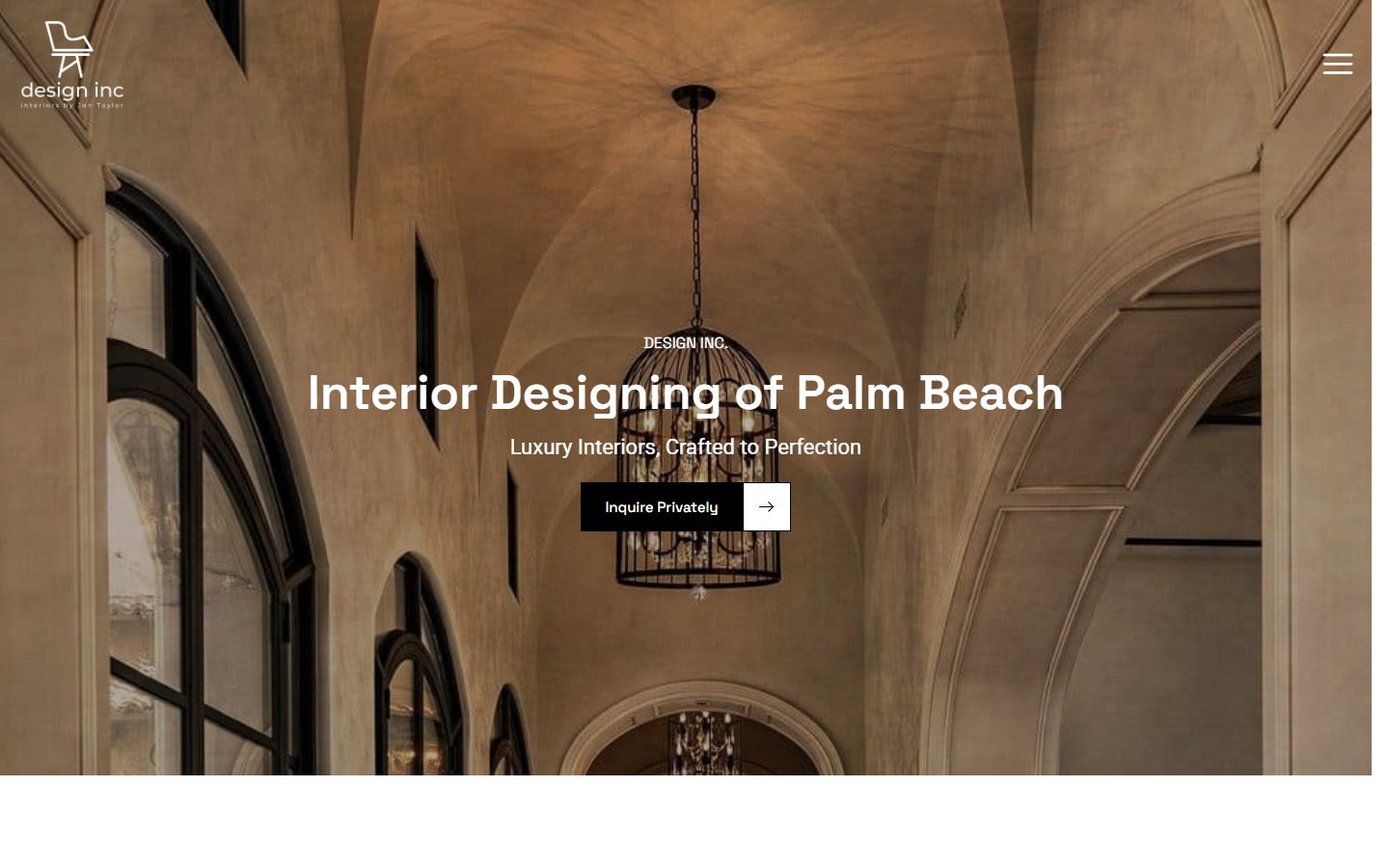
Built a polished WordPress brand site that clarifies 6 interior design and design-build services while guiding Palm Beach clients into portfolio browsing and consultation.
View Case Study →
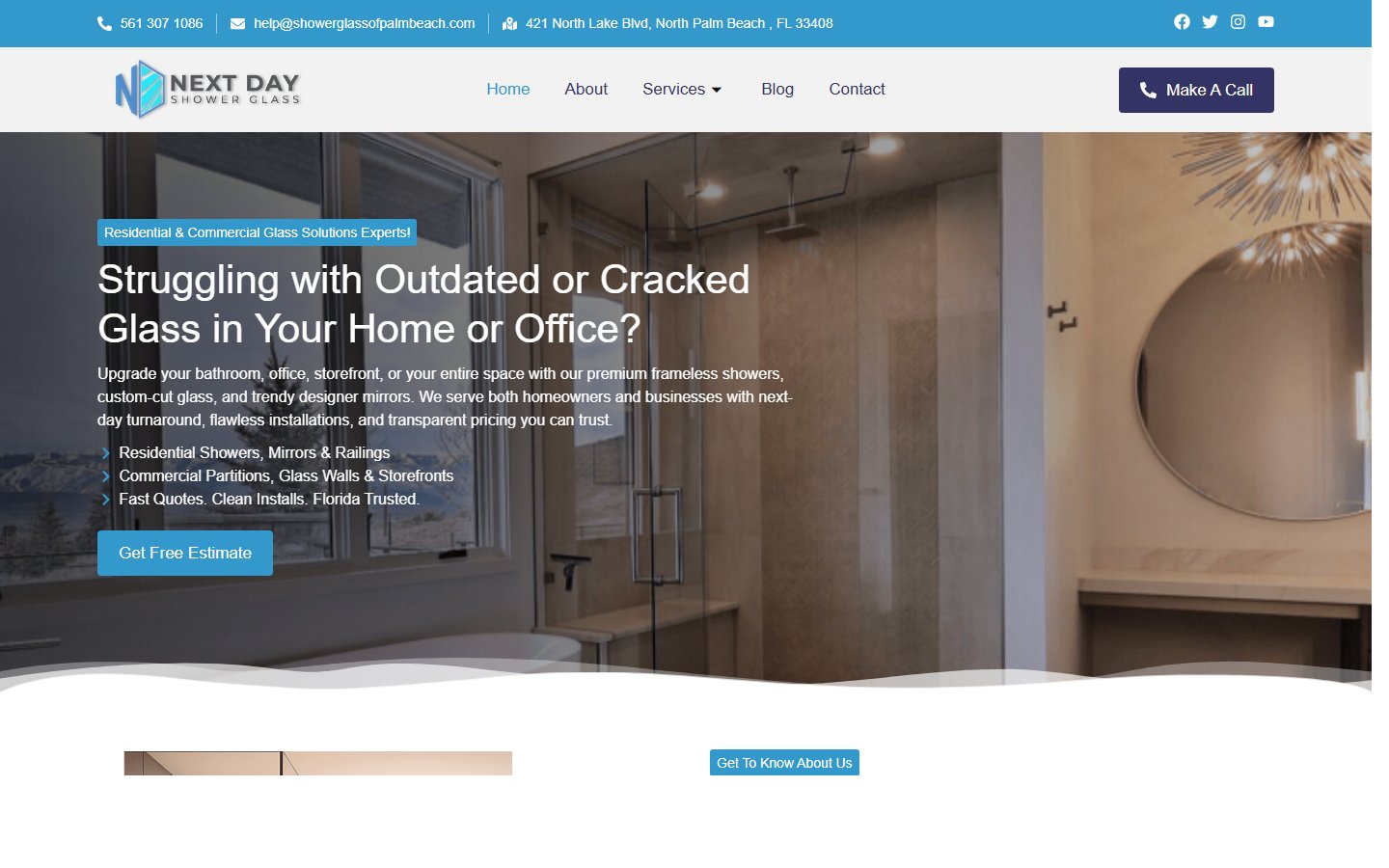
Built a conversion-focused glass services website with clear estimate CTAs, service segmentation, and a step-by-step install process for Palm Beach clients.
View Case Study →Support Content
WordPress speed problems almost always trace back to the same few things: too many plugins doing the same job, a heavy theme loading assets everywhere, and media that was never sized right for the web. The good news is most of them are fixable without rebuilding the site.
December 20, 2025
Read Guide →A broken contact form. A plugin update that quietly shifted the layout. A slow service page that was not slow last month. Website issues rarely announce themselves — they accumulate. This covers how to prioritize what actually needs attention before it starts costing you leads.
February 27, 2026
Read Guide →Most websites launch without anyone checking whether Google can actually crawl them cleanly. Canonical conflicts, missing metadata, incorrect robots rules, and thin internal linking are the kind of technical mistakes that do not show up visually — but they do show up later in Search Console.
February 14, 2026
Read Guide →Yes. I often improve existing WordPress sites when the foundation is still usable but the UX, speed, or editing experience needs work.